




Stop Digging Through Screenshots: The Offline Travel Folder for Philippine Island Trips
Build one five-file offline folder for your Philippine island trip, so tickets, routes, hotel details, payment proof and recovery contacts stay useful when the signal disappears.
Before a Philippine island trip, build one phone folder with five files: Route, Tickets, Stay, Money and Recovery. Download them, arrange them in travel order, then test the folder in airplane mode.
This offline travel folder is the Five-File Offline Folder. It turns a camera roll full of screenshots into one travel tool. When a driver asks which pier or a counter asks for the booking reference, the answer is already on the phone. No searching through chats. No waiting for an email to reload.
The Five-File Offline Folder
| File | What belongs inside | The question it answers |
|---|---|---|
| 01 Route | Door-to-door sequence, terminal or pier, departure time, addresses, map pins and contact numbers | Where do we go next? |
| 02 Tickets | Current ticket PDFs, boarding passes, booking references and required QR codes | What do we show? |
| 03 Stay | Hotel address, confirmation, check-in details, pickup instructions and baggage plan | Where are we sleeping? |
| 04 Money | Deposit receipts, written price breakdowns, balances due and paid inclusions | What has already been paid? |
| 05 Recovery | Insurance details, carrier support, emergency contacts and a simple backup plan | What do we do if the plan breaks? |
These can be a clean note, a saved PDF and a few clearly named images. Each item must open without mobile data.
File 01: Write the route as a chain
Do not save only the destination. Save the full chain from one door to the next.
For a Cebu to Bohol transfer, that could be:
Hotel in Cebu City > Cebu Port, exact pier and terminal > ferry and vessel > Tagbilaran Port > named pickup point > hotel in Panglao
Add the date, departure time, booking contact and one useful landmark at each handoff. A driver may understand “Passenger Terminal 1, Pier 1” faster than a pin with no label. The Cebu Port passenger guide explains why the ticket’s pier and terminal matter more than the shipping line name alone.
Time-stamp the route file. If a schedule or terminal changes, replace the old file. Do not keep two screenshots that disagree and expect to choose correctly before dawn.
File 02: Keep only what you may need to show
Save the current ticket or boarding pass, not the first quotation or an expired reservation hold. Include the booking reference and the passenger names exactly as issued. Keep the physical identification required by the airline, ferry or operator accessible because an image on a phone does not automatically replace it.
For an international arrival or departure that requires Philippine eTravel, save the QR code for that specific trip. The official eTravel FAQ tells travelers to screenshot or download the QR code before leaving the site. The Suroy.ph eTravel guide explains the official address and the current workflow.
A screenshot does not promise that a booking is still valid. Recheck through the operating carrier before leaving. Save a replacement ticket and remove the old version.
File 03: Save the stay before you need the room
The hotel file should contain more than the property name. Save:
- Full address and map pin
- Reservation number and guest name
- Check-in date and stated check-in time
- Direct contact number from the confirmed booking channel
- Pickup location and vehicle details, if arranged
- Written answer about early baggage storage, if you asked
- Balance due and payment method accepted at arrival
This helps when two properties have similar names or the driver recognizes a barangay but not a resort brand. If the booking came through an unfamiliar seller, verify it independently using Suroy.ph’s hotel and resort booking scam guide.
File 04: Separate payment proof from payment secrets
Save receipts, deposit confirmations, written inclusions and the amount still due. A receipt tied to the guest name, dates and confirmation number is more useful than a screenshot saying “payment sent.”
Do not put full card numbers, card security codes, banking passwords or one-time passwords into a travel folder. Keep personal financial material out of a shared barkada folder. Suroy.ph’s cash, cards and GCash guide uses a three-layer payment plan for places where a card terminal, QR payment or signal is unavailable.
Put PAID, DUE or INCLUDED at the start of each file name. This can prevent a second payment when the person who booked is asleep, offline or in another vehicle.
File 05: Build a recovery page before anything goes wrong
Recovery information should fit on one screen. Include the insurer’s assistance number and policy reference when applicable, carrier support, the accommodation contact, one trusted person at home and the missed-connection plan.
Do not store the only emergency number inside the phone that may be lost. Put the most important contacts on a small paper card or let a trusted travel companion know where the protected backup is. For insured trips, the Suroy.ph travel insurance guide explains which receipts and notices can matter when making a claim.
Write the fallback in plain language. If the last ferry is cancelled, stay near the port, contact the hotel, keep every receipt and confirm the next safe sailing before changing later bookings.
Download the map, then save the transfer in words
Download the area around the airport, port, hotel and first local transfer while you still have reliable Wi-Fi. Make sure the full road route sits inside the downloaded area. Map features differ by phone and app. Google Maps on Android, for example, does not provide offline public transport, walking or cycling directions, or live traffic and alternate driving routes.
The Route file still needs written instructions: terminal, port gate, barangay, landmark and hotel directions. An offline map can show the road. It cannot confirm that today’s van loading point or ferry berth has not moved.
Make one group folder and one private folder
A barkada does not need five versions of the itinerary. Create one read-only group folder with the route, shared bookings, accommodation address and agreed costs. Assign one person to replace outdated files, and make sure everybody can open it offline.
Keep identification copies, insurance records, personal receipts and financial details in a private protected folder. The National Privacy Commission advises travelers to secure documents and devices and to be cautious on open Wi-Fi. Use a screen lock, avoid exposing sensitive files in public, and share only the information the group actually needs.
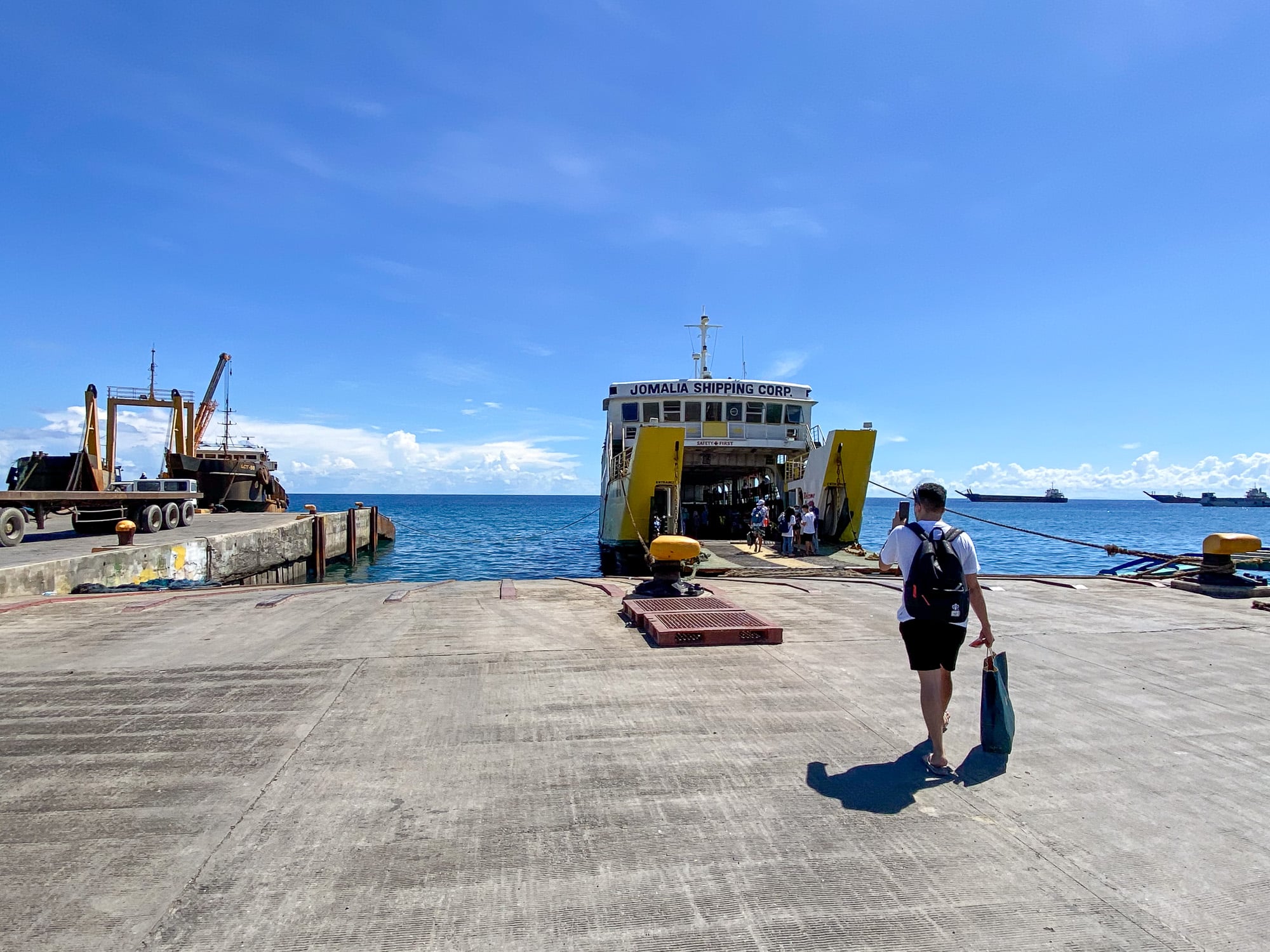
What matters on common Philippine island routes
| Situation | Save before leaving Wi-Fi |
|---|---|
| International arrival | Current eTravel QR, flight details, Philippine address and onward booking |
| Cebu Port departure | Exact pier and terminal, vessel, booking reference, passenger names and current departure status |
| Bus plus banca to an island | Bus terminal, correct mainland port, latest local transfer instruction, accommodation pickup and cash due |
| Airport to a distant port | Arrival terminal, ground transfer contact, realistic handoff sequence and missed-connection plan |
| Island-hopping day | Operator contact, meeting point, written inclusions, payment receipt and weather or cancellation instruction |
For routes using fast craft, RoRo and smaller bancas, the Philippines ferry booking guide explains why no single booking system covers every crossing.
The airplane-mode test
Do this ten-minute check the night before a transfer:
- Update the flight, ferry or pickup status through the official channel.
- Replace old tickets and delete conflicting screenshots.
- Open all five files while online.
- Mark cloud files for offline use or download them to the device.
- Switch on airplane mode.
- Open every ticket, QR code, address and map again.
- Zoom in far enough to confirm that QR codes and small booking text stay readable.
- Check that a travel companion can find the shared folder.
- Charge the phone and keep the cable and power bank accessible.
- Put one critical address and contact on paper.
If a file fails the test, it is not offline yet.
Remember that offline still needs power
Carry a charging cable that fits your phone and a power bank suitable for the trip. If you are flying, verify the airline’s current battery and power-bank rules before packing. Keep a small paper note with the accommodation address and one emergency number in case the phone is lost, damaged or empty.
Stop saving these screenshots
Remove the clutter that causes the search in the first place:
- Old fare quotes after the real ticket is issued
- Expired QR codes from earlier trips
- Schedule graphics with no date or operator name
- Long chat threads when one confirmed message will do
- Map pins without a written place name
- Sensitive documents inside a shared album
The folder should become smaller as the trip becomes more certain.
The 10-minute phone checklist
- Create one dated destination folder
- Download tickets and confirmations
- Save the full address, pin and landmark
- Download the relevant map area
- Save booking and companion contacts
- Remove sensitive details from shared copies
- Run the airplane-mode test
- Pack power and one paper backup
The best travel folder is not the one with every possible document. It is the one you can understand quickly when the internet is gone and the next decision is already in front of you.
Offline travel folder FAQ
Screenshots or downloaded files?
Both, for different reasons. A screenshot always opens. A downloaded PDF holds the barcode at full resolution, which is what matters when a scanner has to read it. Save the file, then screenshot the one page you will actually be asked to show.
What if the phone dies?
One printed page ends the problem: the route, the booking references, one contact number and the address of the first night. Print it or write it out. Every other file here assumes a phone that still turns on.
Is it safe to keep identification on the phone?
Keep what you may be asked to show, and keep it out of shared albums. Payment proof belongs in the folder. Card numbers, PINs and one-time codes do not, which is the whole reason File 04 splits them.
Does it work with no signal at all?
That is the test. Put the phone in airplane mode and open every file in travel order. Anything that will not open without data does not belong in the folder yet.
A screenshot can be the calmest part of the trip
Philippine island travel often works through handoffs: airport to car, hotel to pier, counter to gate, boat to tricycle. The Five-File Offline Folder keeps those handoffs visible even when the connection is not.
Build it once, update it before every transfer and keep the private parts private. When somebody asks, “Asa ta sunod?” (Where do we go next?), the answer will be in one place.
Suroy Wear · Statement Series
The folder exists so you can keep going.
Padayon is the Bisaya word for it. Missed boat, dead signal, wrong pier, you keep going. The Statement Series wears it.
Wear the story


